
Samsung PRO Plus 1TB microSDXC Memory Card
4.7Editor score
Up to 180MB/s read speed
Up to 130MB/s write speed
A2, U3, and V30 ratings
Discover the best 1TB microSD cards, with expert comparisons of speed, capacity, durability, app performance, video support, and device compatibility.
A 1TB microSD card offers enough room for extensive photo libraries, high-resolution video, mobile game installations, and portable storage across cameras, drones, tablets, and gaming devices. However, nominal capacity alone does not determine performance, so the right card depends on the speed classes, interface, durability, and compatibility your equipment requires.
This guide compares ten 1TB microSD cards using the supplied manufacturer and product information. The evaluation considers stated read and write speeds, U3, V30, and A2 classifications, video capabilities, durability claims, included adapters, and supported devices, while clearly distinguishing real-world use from maximum laboratory figures.
Each review explains the most practical strengths and limitations, followed by a side-by-side comparison and buying advice. The list covers options for everyday storage, demanding video workflows, and high-speed transfers. Availability and pricing can change at any time, so compare current product details and offers before purchasing.
4.7Editor score
4.8Editor score

4.7Editor score
The comparison below highlights the stated speed, video class, app rating, and intended use of all ten cards, making it easier to match a 1TB microSD card to a particular device or workflow.




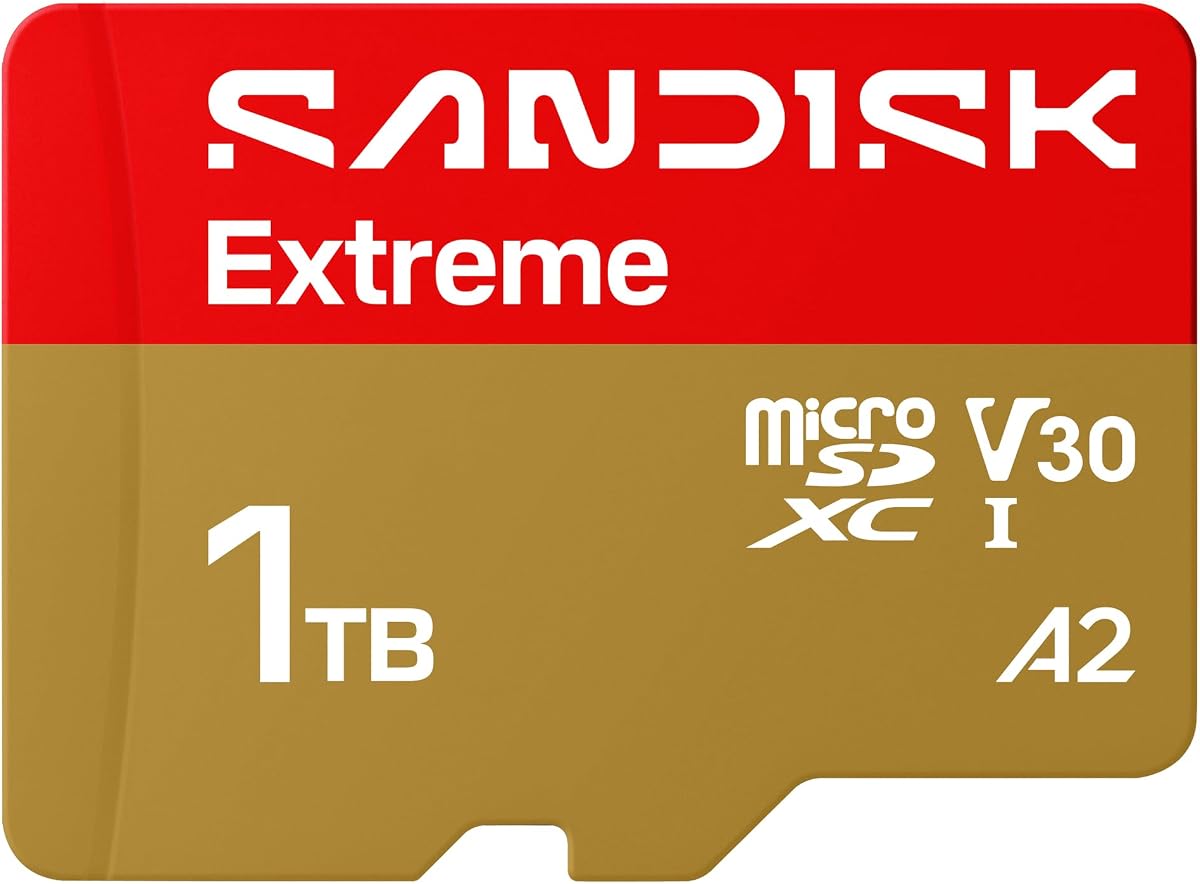
The SanDisk 1TB Extreme combines the highest stated read speed in this guide with a high 170MB/s write figure, making it a strong all-around choice for creators who move between action cameras, drones, Android devices, and computers. Its 4.8 rating is also the highest listed among these ten products. U3 and V30 ratings support demanding recording workflows without compromising the card's broader storage role.
We may earn a commission when you buy through this link, at no additional cost to you.
Its standout attraction is transfer speed. The listed maximum of 245MB/s read and 170MB/s write is particularly useful when offloading large 4K or 5.3K clips, copying extensive RAW photo sets, or moving large files to a desktop. The manufacturer also promotes content organization through the SanDisk Memory Zone app, which can simplify backups and transfers from an Android phone or compatible computer.
The Extreme also carries an unusually broad set of environmental protections, including temperature, humidity, water, shock, drop, magnet, X-ray, and wear resistance. Those claims make it appealing for cameras, drones, and travel kits where the card may encounter rough conditions. The main qualification is that headline speeds depend on compatible hosts, readers, cables, and workloads, so ordinary devices may deliver much lower results.
This is the strongest recommendation for buyers who want one high-capacity card capable of handling both large files and sustained media capture. Choose it for a new phone, drone, action camera, or editing setup when speed matters, but confirm device capacity limits and use a compatible UHS-II reader if you expect to realize its maximum transfer rate.
The card's stated 245MB/s read and 170MB/s write rates can shorten offloading time when working with long 4K UHD or 5.3K recordings. Compatible host hardware remains essential, particularly when transferring directly to a computer.
A terabyte of nominal capacity gives phones and tablets room for large media collections without frequent cleanup. The A2 and U3 specifications also make the card more appropriate for app and file workflows than a basic Class 10 option.
We may earn a commission when you buy through this link, at no additional cost to you.
The PNY 1TB PRO Elite Prime is a well-balanced microSD card for creators who need strong sustained performance without moving beyond UHS-I. Its stated read speed reaches 200MB/s, while writes reach 150MB/s when used with the specified PNY Performance Prime microSD card reader. The card carries U3, V30, and A2 ratings and receives a 4.6 customer rating.
We may earn a commission when you buy through this link, at no additional cost to you.
The A2 rating is important for smartphones and tablets because it indicates stronger random read and write performance than an older A1 or unrated card. Minimum specified figures include 4,000 read IOPS and 2,000 write IOPS. This makes the PNY card better suited to running applications or accessing numerous small files than a card designed purely as inexpensive bulk storage.
Its compatibility list is broad, covering Android phones, tablets, action cameras, surveillance cameras, drones, computers, and other microSD-enabled devices. The included SD adapter broadens compatibility with full-size SD hosts such as cameras and laptops. Users focused on editing should note that maximum performance depends on the PNY reader, a suitable host interface, and the transfer method being used.
The PRO Elite Prime is a compelling choice for mixed creative workloads involving phones, cameras, drones, and computers. It is particularly attractive when a user values A2 application performance and the included full-size adapter. Confirm that the target device supports 1TB cards, and avoid assuming its headline transfer speed will be reached through every reader or cable.
A2 performance is the card's defining mobile advantage, providing stronger stated random-operation performance for apps and small files. This is more relevant than maximum sequential read speed when launching applications from a supported Android device.
The supplied SD adapter makes the PNY convenient for cameras and computers with full-size slots. That versatility is useful for users who do not want to carry several separate adapters for every type of equipment.
We may earn a commission when you buy through this link, at no additional cost to you.
The Lexar 1TB Blue offers an appealing mix of a 4.7 rating, A2 application performance, V30 video support, and a 10-year limited warranty. Its listed read speed reaches 160MB/s, which is sufficient for fast media transfers and modern mobile use. It is a practical middle ground for buyers who want more capability than an entry-level card without chasing the highest peak specification.
We may earn a commission when you buy through this link, at no additional cost to you.
Lexar positions the Blue series for Full HD and 4K UHD media, while its A2 rating supports quicker application loading and multitasking on compatible Android systems. The card has also undergone testing against eight environmental proof points, including temperature, water, X-ray, vibration, magnetism, shock, drop, and wear resistance. Those protections make it versatile for travel, mobile recording, and general outdoor use.
The main limitation is that the stated peak read speed was measured under internal testing and requires a select Lexar USB 3.1 reader. Actual results will vary by host device, interface, and file characteristics. The product listing also notes that usable capacity can differ because of operating-system formatting and measurement conventions, so buyers should understand that displayed free space may be lower than one terabyte.
The Blue is a strong choice for a general-purpose 1TB card, especially for users who value its warranty, recovery tools, and broad environmental protection. It suits phone expansion, camera storage, and 4K media collections. For a high-speed professional editing setup, pair it with the specified reader and verify the sustained performance of your camera or host device.
The 10-year limited warranty provides reassurance for long-term storage, while access to the Lexar Recovery Tool can help recover accidentally deleted or formatted files. Recovery outcomes depend on the file condition and whether the affected sectors have been overwritten.
A2 performance and V30 video support make the Lexar Blue more versatile than a basic Class 10 card. It is a practical fit for users balancing application storage, photographs, and video on compatible Android devices.
We may earn a commission when you buy through this link, at no additional cost to you.
The Samsung PRO Plus 1TB is a polished option for 4K UHD capture and general creative storage, earning a 4.7 rating. Its stated 180MB/s read and 130MB/s write speeds place it firmly within the high-performance UHS-I category, while U3, V30, and A2 ratings cover video recording, sustained writes, and app responsiveness.
We may earn a commission when you buy through this link, at no additional cost to you.
Samsung highlights fast burst-photo capture and rapid card offloading, particularly when using compatible Samsung USB readers. The included adapter works with computers, tablets, cameras, and supported handhelds, reducing the need to purchase an extra accessory for full-size SD slots. A terabyte also provides ample room for high-quality images, extensive 4K footage, and large project files.
Durability is another reason to consider this card. The product information cites protection from water, extreme temperatures, wear, and tear, while Samsung notes that its firmware and components, including DRAM and NAND, are produced in-house. That vertical approach can offer greater control over the finished product, although buyers should still handle the card carefully and follow device guidance.
The PRO Plus is best for users who want a balanced 4K card with a reputable adapter and modern application performance. It supports Nintendo Switch, but not Nintendo Switch 2, and maximum transfer rates require the appropriate reader. For phones, drones, and cameras, the combination of capacity, speed classes, and protection makes it an excellent all-around choice.
The card's 180MB/s read and 130MB/s write specifications can accelerate offloading when used with compatible Samsung USB readers. The exact result depends on the source device, reader, interface, and number of files being transferred.
The A2 rating supports faster application and in-card performance on compatible Android devices. That makes the PRO Plus useful when the card stores games and applications in addition to conventional media files.
We may earn a commission when you buy through this link, at no additional cost to you.
The Amazon Basics 1TB A2 is an accessible general-purpose card with a 4.6 rating, U3 certification, A2 application performance, and V30 video speed. Its listed read speed of 100MB/s is below the leaders, but it still meets the baseline performance expected from a modern UHS-I card designed for burst photos, time-lapse sequences, and 4K UHD playback.
We may earn a commission when you buy through this link, at no additional cost to you.
The product information explicitly states usable capacity expectations of at least 908GB for the 1TB version after operating-system formatting and binary-versus-decimal measurement differences. This is useful context because a full card may not appear to contain exactly one trillion bytes in every device. The card also includes a full-size SD adapter for use with compatible cameras, computers, and other equipment.
Durability specifications include shock resistance, IPX6 water resistance, extreme-temperature operation, X-ray resistance, and magnetic-field resistance. These characteristics suit travel, outdoor use, and dashcams, although buyers should still observe the requirements of their specific host device. The card supports Nintendo Switch but not Nintendo Switch 2.
This Amazon Basics model is a sensible pick for general storage, phone expansion, and 4K recording when extreme transfer speed is not the priority. Its modern U3, V30, and A2 classifications make it more future-oriented than an older entry-level card. Choose a faster model if you routinely work with very large RAW files or expect quick transfers through a high-speed reader.
The stated minimum usable capacity of 908GB helps set realistic expectations for storage planning. Applications, operating systems, and formatting conventions can make the reported free space appear different from the labeled capacity.
U3, V30, and A2 classes support modern recording and mobile application use. Although the 100MB/s read figure is more modest, it remains appropriate for routine file management and compatible host devices.
We may earn a commission when you buy through this link, at no additional cost to you.
The SanDisk 1TB Ultra is a familiar, versatile choice for Android phones and tablets, with a 4.7 rating and a stated read speed of up to 150MB/s. Its 1TB capacity can hold substantial collections of Full HD video, photographs, and documents, while the included adapter expands compatibility with full-size SD devices.
We may earn a commission when you buy through this link, at no additional cost to you.
The card is Class 10 rated for Full HD recording and playback, and its A1 rating provides 1,500 read IOPS and 500 write IOPS under the stated conditions. This is adequate for many mainstream mobile uses, although the newer A2 standard found on several alternatives offers stronger application-oriented performance. Full HD support can also vary by host device and file attributes.
SanDisk states that the 150MB/s speed is engineered to exceed the standard UHS-I 104MB/s ceiling and requires a compatible device. Transfers in the cited test involved a USB 3.0 reader and collections of image files averaging 3.55MB, so users should not assume identical results with smaller files, cables, or phone ports.
The Ultra is best for users who want a recognizable and versatile card for everyday phone expansion, media storage, and occasional Full HD capture. It supports Nintendo Switch but not Switch 2, and it should not be chosen over an A2 or high-speed U3 model for intensive application use. For most conventional storage tasks, however, its capacity and stated speed are well balanced.
A terabyte offers room for long Full HD video collections and extensive photo libraries. Check the phone's maximum supported microSD capacity and available storage policy before moving an entire library.
The advertised 150MB/s figure applies under specific compatible conditions. A basic card reader or a phone with a slower interface may produce substantially different results.
We may earn a commission when you buy through this link, at no additional cost to you.
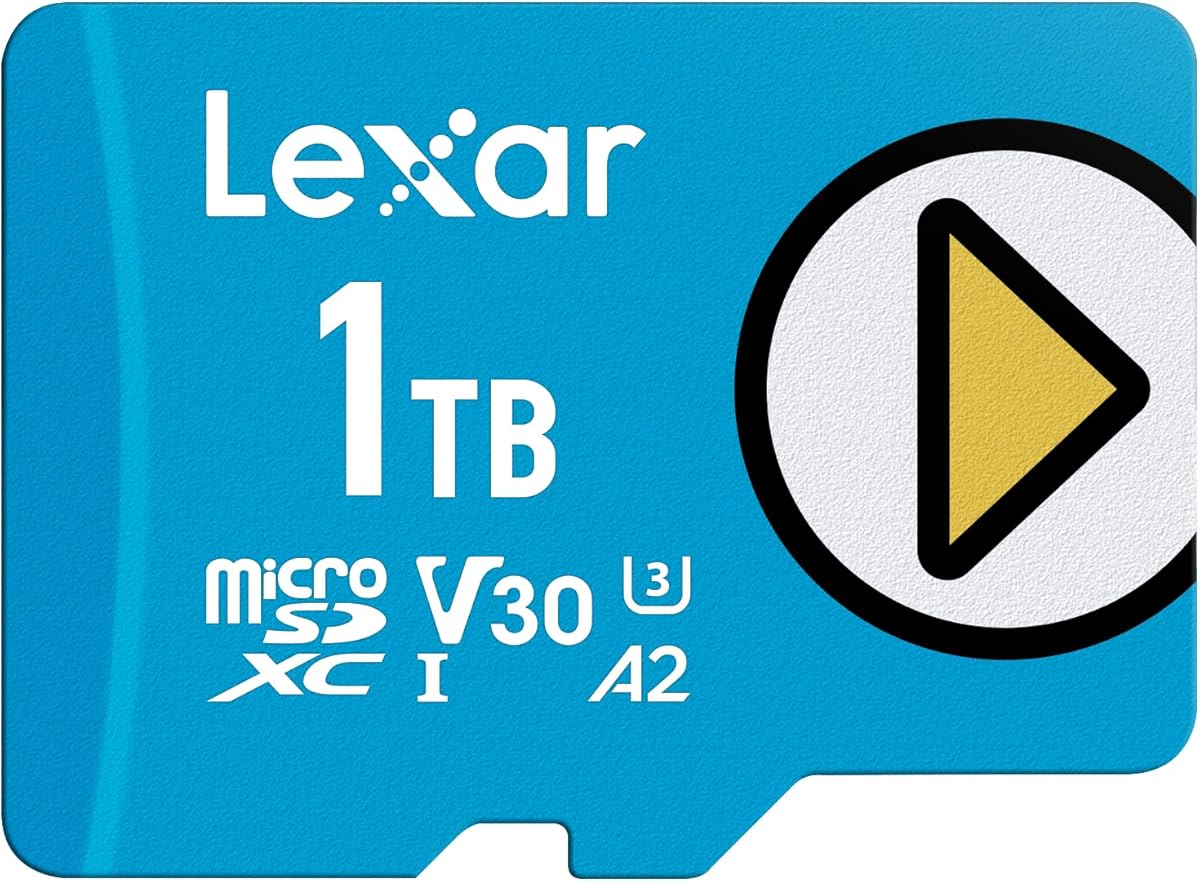
The Lexar 1TB Play Blue is tailored to gamers, app users, and general media consumers, earning a 4.5 rating. It combines a stated 160MB/s read speed with A2 performance, UHS-I, and V30 support. Those characteristics make it more appropriate for game loading and mobile applications than a basic Class 10 card while still accommodating 4K media.
We may earn a commission when you buy through this link, at no additional cost to you.
The A2 rating is the most important feature for compatible Android devices because it indicates a stronger baseline for random application operations. The 1TB capacity also gives users considerable room to store games, videos, photos, and other content without constantly moving files to a computer. Lexar specifically lists compatibility with Nintendo Switch 1, smartphones, and tablets.
The product is described as built to endure through temperature resistance, waterproofing, and X-ray protection. The listing does not provide a detailed write-speed figure, so buyers with sustained recording or editing needs may find a card with both read and write specifications more transparent. Its stated read speed remains suitable for faster loading and routine transfers.
Choose the Play Blue when app responsiveness, gaming, and 4K storage matter more than maximum professional transfer throughput. It is a good fit for supported handhelds and Android devices, but it is not listed for Nintendo Switch 2. Verify your device's capacity support and benchmark behavior before transferring exceptionally large files.
A2 performance is the defining advantage for application-heavy use. The rating signals stronger minimum random-operation performance than older A1 cards on devices that support the standard.
The capacity is useful for sizable game installations and media collections, while the 160MB/s read specification can reduce loading time when the host device takes full advantage of the card.
We may earn a commission when you buy through this link, at no additional cost to you.
The TEAMGROUP A2 Pro Plus 1TB is a broad-use card with stated speeds of up to 160MB/s read and 110MB/s write. Its U3, V30, and A2 classifications cover modern video recording and application performance, while the product title identifies use with Nintendo Switch, Steam Deck, gaming devices, tablets, smartphones, and 4K shooting.
We may earn a commission when you buy through this link, at no additional cost to you.
A balanced write speed matters for continuous footage because it helps the camera receive data steadily during recording. The V30 rating indicates a minimum sustained video write rate of 30MB/s, while U3 identifies a 30MB/s minimum write performance under the UHS speed class. The A2 classification further supports small-file and application use on compatible devices.
An included full-size SD adapter makes the card convenient for cameras, laptops, and desktop systems that use standard SD slots. Its 1TB capacity is generous for transferred photos, captured footage, games, and a portable software library. The 4.4 customer rating is the lowest in the group, however, which may merit additional consideration for buyers who prioritize broad evidence of customer satisfaction.
This TEAMGROUP option is most appealing to users who want one card for gaming, mobile devices, and 4K recording without paying attention to a single brand ecosystem. It provides modern speed classes and a practical adapter. Verify exact device restrictions, particularly for newer handheld models, and confirm that your host supports 1TB capacity before purchase.
The A2 rating and 160MB/s read speed suit load-heavy use, while the included adapter helps when moving files to full-size devices. Compatibility still depends on the operating system, console firmware, and card-reader implementation.
U3 and V30 classes make this card appropriate for compatible 4K workflows. The stated 110MB/s write speed offers useful headroom for sustained media capture, subject to camera behavior.
We may earn a commission when you buy through this link, at no additional cost to you.
The Amazon Basics 1TB microSDXC 1-Pack combines a 4.6 rating with stated speeds of up to 200MB/s read and 150MB/s write. It supports UHS-I, U3, Class 10, and A2, making it a versatile card for smartphones, tablets, cameras, drones, action cameras, computers, and compatible gaming consoles.
We may earn a commission when you buy through this link, at no additional cost to you.
The product information positions the card for Full HD, 4K, and 5K recording as well as high-resolution photography. To achieve the stated read figure above the normal UHS-I limit, Amazon Basics recommends its separate USB-C 3.0 microSD card reader. That reader is not included, so buyers who want the maximum transfer rate must account for the additional accessory.
Protections include shockproofing, IPX6 waterproofing, temperature resistance from -10 to 80 degrees, X-ray resistance, and magnetic resistance. The card also includes a full-size adapter and a quick setup guide. As with every nominal 1TB card, operating-system reporting methods affect visible capacity, and some devices that accept smaller cards may not support the full capacity.
This model is a strong choice for users who want high stated throughput across many device types and do not want to select a specialized product line. It is not compatible with Nintendo Switch 2, and its fastest speed depends on the separately sold reader. For straightforward file storage, it offers a capable combination of capacity, speed classes, and environmental resistance.
The 200MB/s read and 150MB/s write claims are attractive for rapidly moving media. A compatible USB-C 3.0 reader is required to reach the higher read result, and the card is only one unit in the pack.
Some cameras, phones, and consoles impose maximum card capacities or update requirements. Confirming compatibility before purchase prevents an otherwise capable card from being rejected or only partially recognized.
We may earn a commission when you buy through this link, at no additional cost to you.
The SanDisk Extreme PRO 1TB is aimed at photographers and videographers who need rapid offloading and reliable continuous writes. It carries a 4.7 rating, a stated 200MB/s read speed, and up to 140MB/s write speed. SanDisk Quick Flow Technology is designed to accelerate card transfers, while A2 performance supports application and small-file use.
We may earn a commission when you buy through this link, at no additional cost to you.
For camera workflows, the write-speed figure is particularly relevant during burst photography and continuous recording. Its large capacity reduces the frequency with which files must be moved, and the included adapter helps with compatibility across full-size and microSD hosts. The product is built for and tested in harsh conditions, including temperature, water, shock, and X-ray exposure.
Maximum offloading speed requires the separately sold SanDiskProfessional PRO-READER SD and microSD reader. That requirement should be considered as part of the total setup rather than assumed to come with the card. The Memory Zone app, available through Google Play, adds convenient file management for compatible Android workflows.
The Extreme PRO remains a compelling option for creators who value fast transfers, high capacity, and a recognizable software ecosystem. Compared with the newer SanDisk Extreme in this guide, its listed maximum speeds are slightly lower, but it still offers excellent headroom for high-resolution media. It is best recommended when existing SanDisk reader compatibility or sustained write performance is a priority.
Quick Flow Technology is intended to reduce waiting time when copying large media sets. The stated 200MB/s result requires the specified professional reader and compatible host hardware.
The 140MB/s stated write speed provides useful performance for burst photos and video recording. Exact sustained results depend on the camera, bitrate, file format, and card behavior.
We may earn a commission when you buy through this link, at no additional cost to you.
Choosing a 1TB microSD card means balancing device compatibility, sequential and random performance, video requirements, durability, and the cost of adding essential accessories. The largest capacity only helps when the host device recognizes it and the card can sustain the workload you need.
Before comparing speed, confirm that the phone, camera, drone, action camera, handheld, or adapter supports microSDXC cards at 1TB. Older devices sometimes impose lower capacity limits, while some require a firmware update. Also verify the physical format: microSD cards work in microSD slots, while the included full-size adapter only helps when the host supports standard SD cards. Compatibility should be treated as a requirement, not an assumption, because a high-performance card may be rejected if its capacity exceeds the device's limit.
Read speed affects how quickly files can be copied from the card, while write speed matters during recording, burst photography, and file copying. The cards in this guide range from a stated 100MB/s read to 245MB/s. A higher headline figure does not automatically translate into faster real-world transfers because the reader, cable, host interface, file size, and number of files all influence results. Maximum figures are often obtained with specific compatible hardware, so treat them as an upper limit rather than a guaranteed application speed.
For video recording, U3 and V30 are important references. V30 guarantees a minimum sustained write rate of 30MB/s, which is suitable for many 4K workflows, while U3 identifies a minimum write performance of 30MB/s under the UHS speed class. Higher resolutions, high bitrates, slow storage in the host device, or demanding capture modes can require more headroom. A card that advertises strong read speed but offers limited write information may be less attractive for extended recording.
The A1 and A2 ratings are most relevant when a phone or tablet runs games or applications from the card. A2 specifies stronger minimum random read and write performance than A1, which can improve launch times and responsiveness in supported devices. This distinction matters less for passive file storage and more for active application use. Check whether your phone supports the standard and whether moving applications to removable storage is permitted by its operating system.
The advertised maximum write speed is only one part of recording performance. A camera can benefit from a card that maintains a consistent rate across long clips rather than achieving a brief peak. Look for a clearly stated write specification, relevant video class ratings, and compatibility with the resolution and bitrate your device produces. V30 is a useful baseline, while cards advertising 110MB/s or greater write speed provide more margin for demanding workflows and burst sequences.
Cards used in drones, action cameras, dashcams, and outdoor devices should be evaluated for water, shock, temperature, X-ray, magnetic, and wear resistance. Claims vary between products, so compare the specific protections rather than assuming all cards have equivalent coverage. No durability rating eliminates the need for sensible handling. Keep the card in its protective case, avoid removal during writes, and maintain backups of irreplaceable footage regardless of the advertised proof points.
Some options include a full-size SD adapter, while high-speed cards may require a separately purchased UHS-II reader. Adapters make cards easier to use in cameras and computers, but the adapter itself does not increase the card's native speed. The included or recommended reader determines how much of the headline transfer rate can be reached. Mobile file-management apps from SanDisk and Lexar can add convenience, but they should complement—not replace—regular backups.
A 1TB card is useful for large media libraries, portable game storage, and long recording sessions, but the most useful card is the one your devices can sustain. Compare the complete feature set rather than considering capacity alone, particularly when a manufacturer offers recovery software, firmware integration, or a long warranty. Also review current availability and cost, since storage products are frequently repriced and promotional offers can change.
Before inserting a new 1TB microSD card, inspect the contacts and housing for damage, confirm that the device supports the capacity and card format, and format the card in the host device when appropriate. For a new phone or camera, formatting helps establish a clean file system and confirms that the hardware can read and write the card. Copy a few test files, verify their integrity, and test the card before relying on it for an important recording.
Insert and remove cards carefully, following the device's shutdown or card-release procedure. Do not move, delete, or reformat the card while a camera, drone, or handheld is writing to it. Use the full-size adapter only in equipment that accepts standard SD cards, and avoid forcing a card into a slot whose format or capacity it does not support. Keep important files backed up in more than one location, especially when the card is used for professional footage.
For the fastest transfers, use a compatible high-speed reader, a suitable interface or cable, and a device that supports the card's stated performance. Large sequential files often transfer differently from many small files, so judge performance by the task you actually need to do. Monitor the card for read errors, missing files, or unusual slowness, replace damaged cards, and periodically inspect free space to maintain a healthy margin for recording devices.
No. Some older phones, cameras, drones, and handheld gaming devices impose maximum card capacities or require firmware updates. The device must support both the microSDXC format and a 1TB card before insertion. Always check the manufacturer's compatibility list rather than assuming that every 1TB card will work.
Operating systems and applications use decimal and binary measurement conventions differently, and some space is reserved for formatting and system functions. Cards commonly display roughly 900GB or more rather than the full labeled amount. The expected figures also depend on how the manufacturer and device calculate usable capacity.
A higher read speed can shorten offloading and file-access times, especially when the host reader supports it. Real performance also depends on write speed, file size, interface, and reader quality. For passive storage, capacity and compatibility matter more; for cameras and editing workflows, both read and write performance are important.
U3 identifies a minimum UHS write rate of 30MB/s, while V30 guarantees a minimum sustained video write rate of 30MB/s. A2 describes stronger minimum random-operation performance for applications and small files. These ratings help narrow the field, but they do not replace checking the device's specific requirements.
You do not need one for a phone or camera with a built-in microSD slot, but one may be needed for computer transfers. To approach a card's maximum speed, use a reader that explicitly supports that speed class and interface. A basic USB reader may work correctly while delivering much slower results.
It can store substantial amounts of high-resolution footage, but recording stability depends on the card's sustained write performance, the device's bitrate, battery level, and heat. Choose a card with suitable U3 or V30 support and enough write headroom. Capacity prevents full storage, while sustained performance helps prevent dropped frames or recording interruptions.
Formatting in the device that will use the card is usually the simplest approach because the device can create the appropriate file system. Before formatting, copy off any existing data. Confirm the device supports 1TB and use its official formatting option to avoid file-system or compatibility problems.
Frequent read errors, missing files, sudden performance drops, unrecognized cards, and corrupted recordings are warning signs. Avoid using a card that has been dropped, bent, exposed to moisture, or removed without being properly ejected. Back up important files immediately and replace the card if errors continue.
The SanDisk 1TB Extreme stands out as the strongest all-around recommendation because it combines the guide's highest stated read speed with a high write rate, U3 and V30 ratings, and extensive environmental protections. The Samsung PRO Plus is another balanced premium choice, while the SanDisk Ultra provides a simpler route to large-capacity everyday storage at a 150MB/s stated read speed.
Prioritize compatibility first, then match the card to the workload. Phones and tablets benefit from A2 performance, 4K cameras need dependable sustained writes and appropriate video classes, and editing workflows require a compatible fast reader. Cards such as the PNY PRO Elite Prime, Amazon Basics models, and SanDisk Extreme PRO provide stronger throughput when frequent offloading is part of the routine.
Prices, promotions, and availability can change after this guide is published, so review the current listing and recent product details before purchasing. Compare the card's stated speed with the equipment you already own, confirm that 1TB is supported, and keep a separate backup for irreplaceable photos and video. With those checks in place, the right card becomes a dependable, high-capacity part of the workflow rather than simply another storage accessory.


